Dashboard to other sites and projects I own.
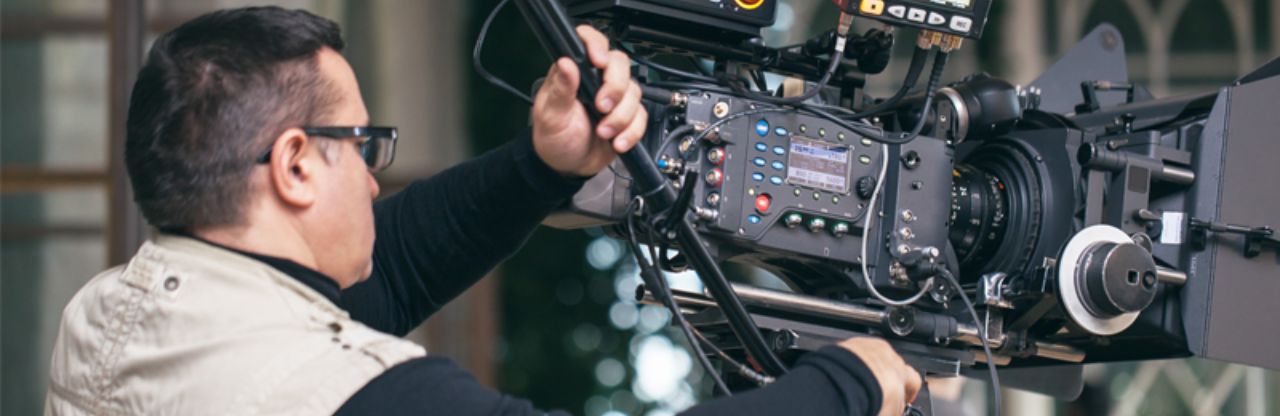
The pandemic introduced new challenges for everyone across the global. These challenges introduced new opportunities for those creators who saw the chance that make a dent in the universe. Most larger organization already had a presence online with television, streaming or even hosting their own video streaming. Through many months of trail and error, I used was able to learn a few things about video streaming from a few amazing YouTubers, bloggers, and website designers that I will share on this page.
One of the programs that I used during the pandemic was called Open Broadcaster System. OBS is a phenomenal program with tons of features that I will share in the links below.
You can't use up creativity. The more you use, the more you have. — Maya Angelou
I do not receive ANY kick backs from any of the sites listed above. I share this information in the spirit of helping others to achieve their educational goals.
This section will introduce the wonderful world of OBS plugins. I shared one plugin in the first section called Audio Mixer. I learned that is a great tool for audio using my Windows machine. As a matter of fact, there appears to be more features with the Windows version of OBS Studio.
Dashboard to other sites and projects I own.

Virtual Library Links
Putting the work in for the kingdom of God.
Have you ever been working remotely and needed some scratch paper? I have resolved my issue below.